Knowledge base
article · Intercom
IP intercom: why the door station and indoor monitor cannot see each other
The most common causes and a step-by-step check when IP intercom devices will not connect.
Select Security1 min read
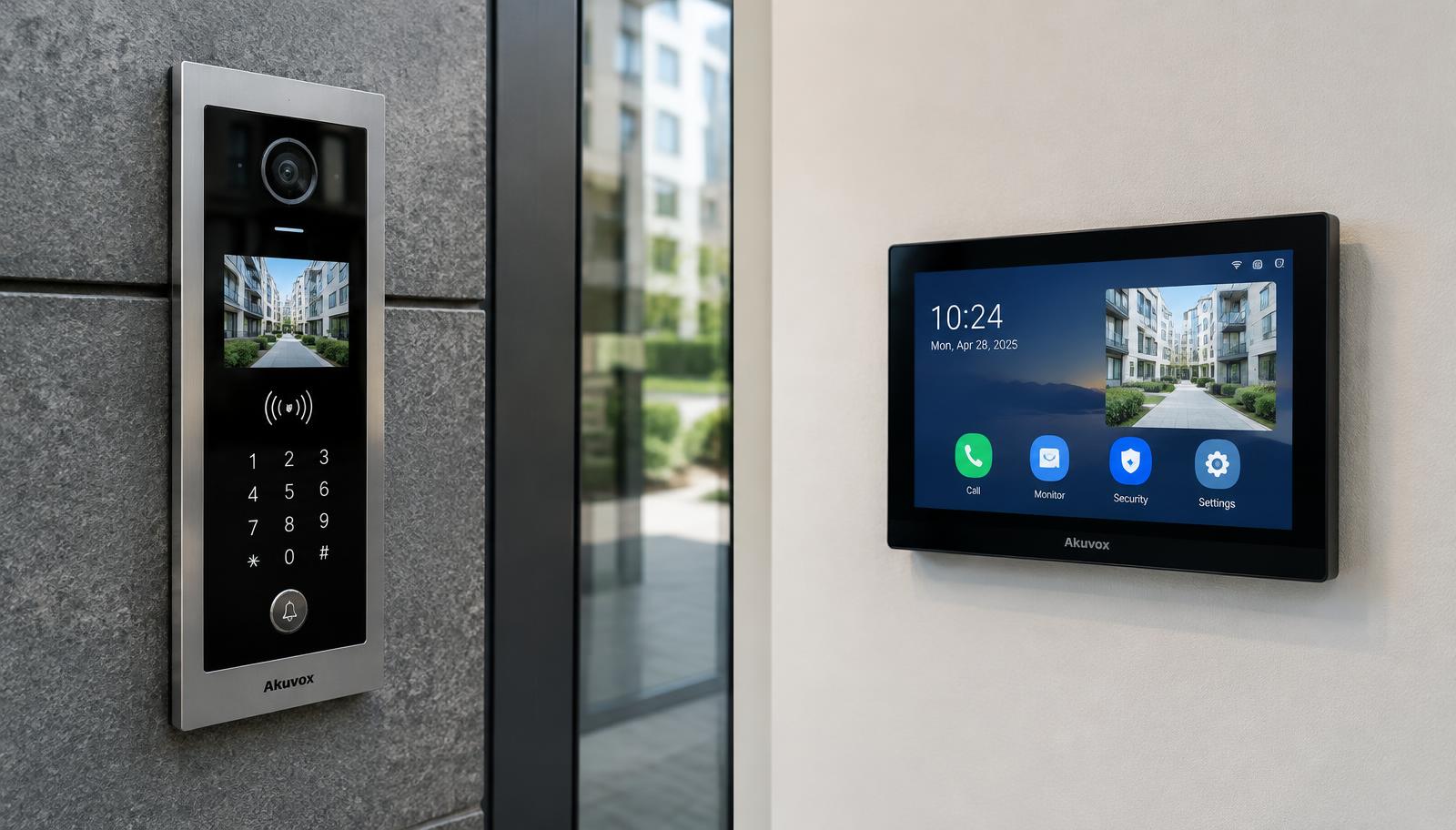
Common causes
- Devices are on different subnets (different IP range or mask).
- Two devices share the same IP address (IP conflict).
- Devices are not activated, or use different passwords within the system.
- The monitor has the wrong door-station address or room/apartment number.
- The switch does not supply enough PoE power.
Step-by-step check
- Make sure every device is powered (indicators, screen).
- Use the manufacturer tool (e.g. Hikvision SADP) to find all devices and check IP, mask and gateway.
- Put all devices on the same subnet with unique addresses.
- Activate the devices and set the main door station in the monitor settings.
- Check that room/apartment numbers match.
- Update firmware only with official manufacturer versions and compatible pairs.
If the problem remains after these checks, call Select Security: 041 12 52 62, 033 12 52 62.
#Intercom#Hikvision#Troubleshooting
Related articles
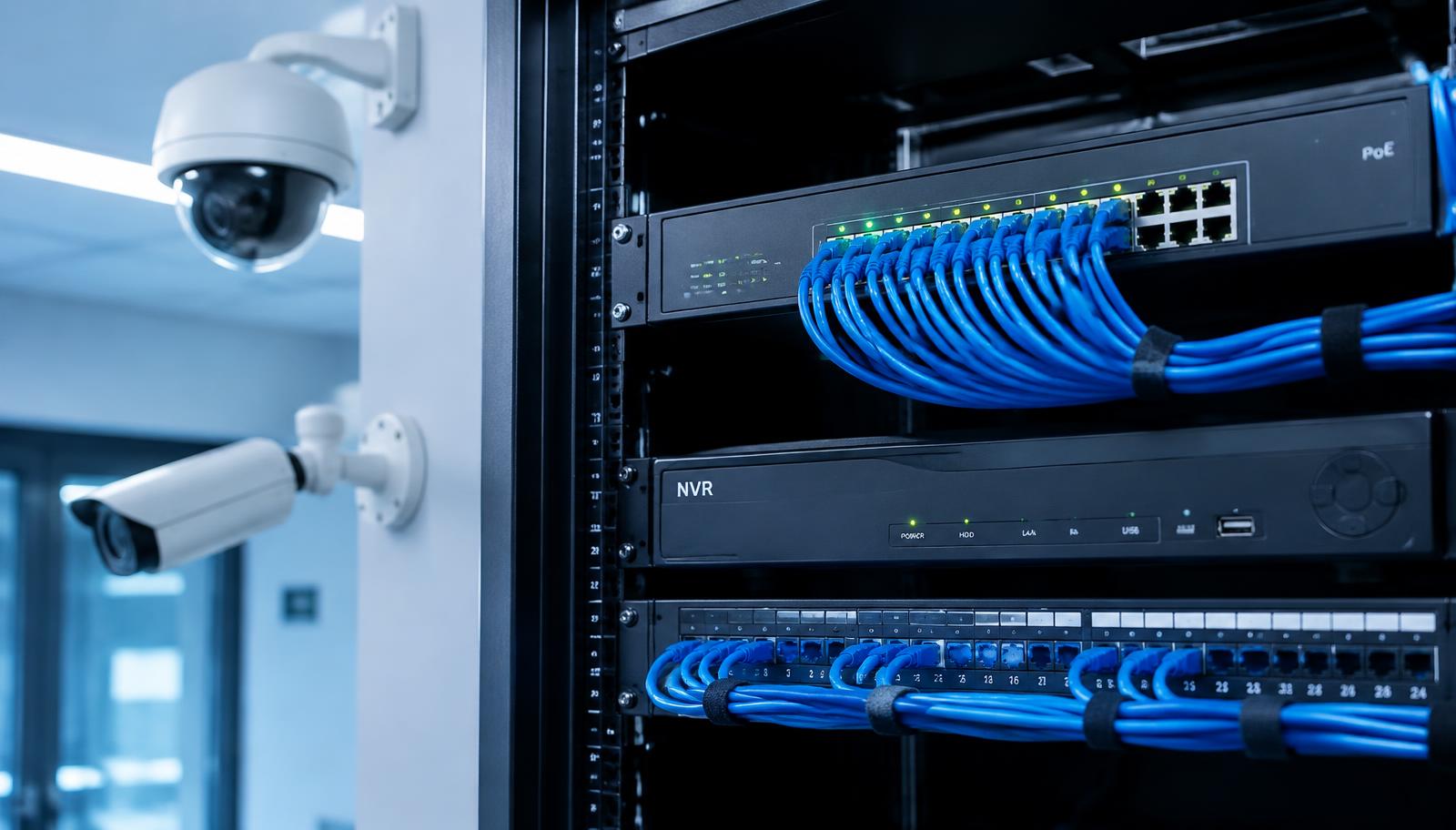
PoE power budget: choosing the right switch for IP cameras
PoE standards, total switch budget and the 100 m cable limit for stable IP camera installations.
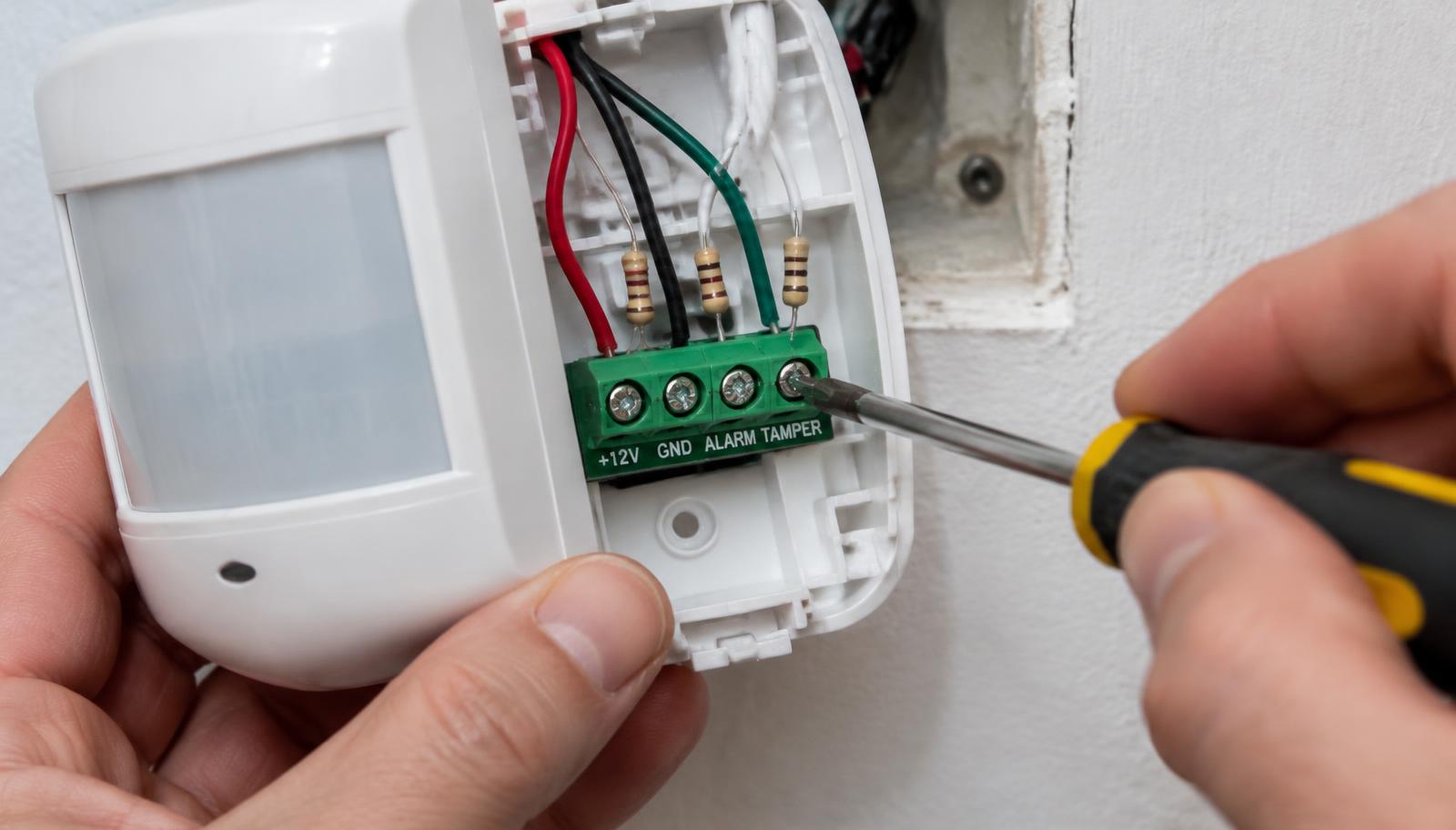
Alarm sensor wiring explained: NO/NC, EOL and tamper
What NO and NC contacts mean, why EOL resistors are used and how tamper protection works.
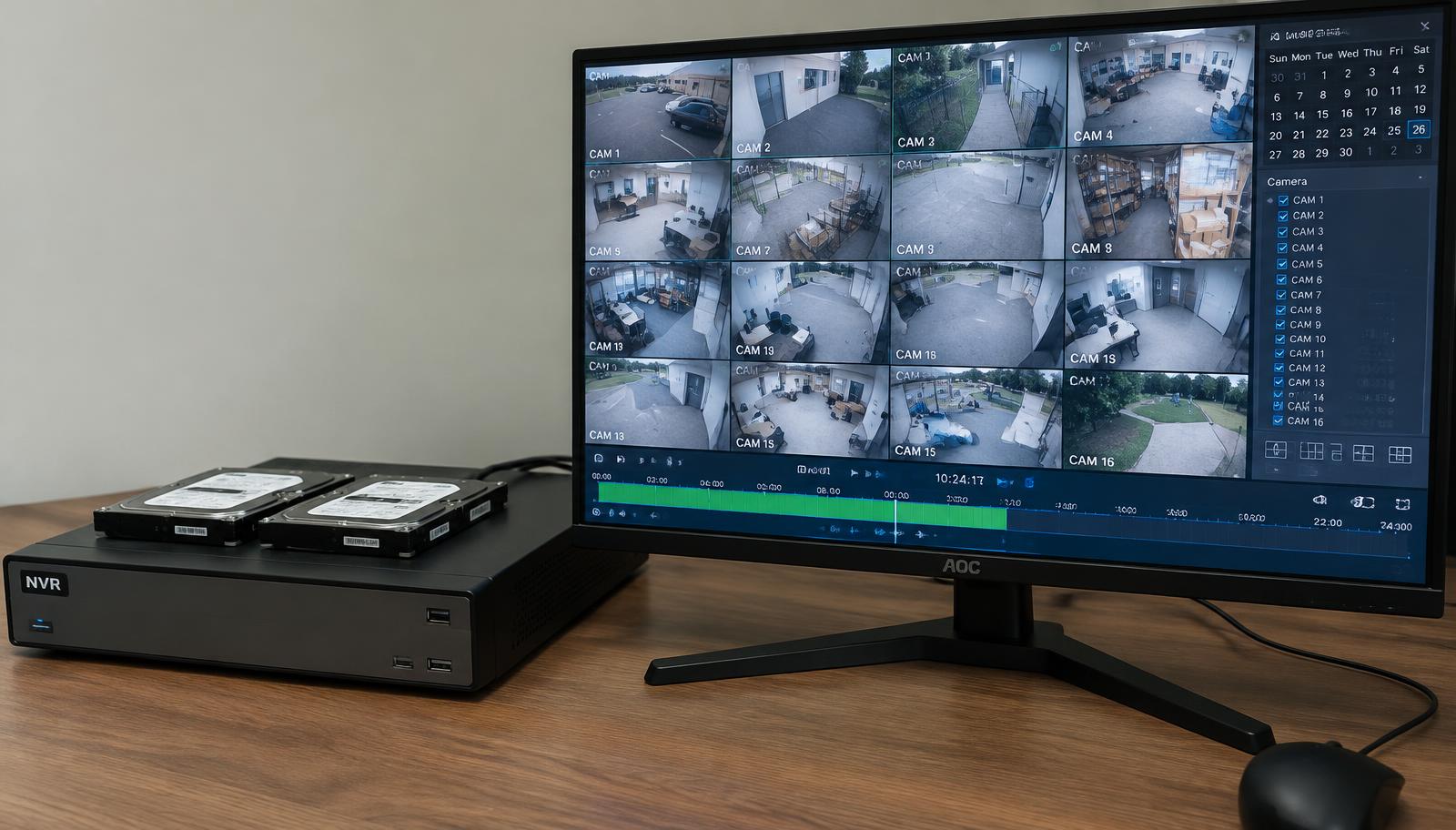
CCTV recording storage: how long footage is kept and why
Which factors define how many days of footage are stored and how to extend it.